GitHub Deploys and Dual MCP Connections
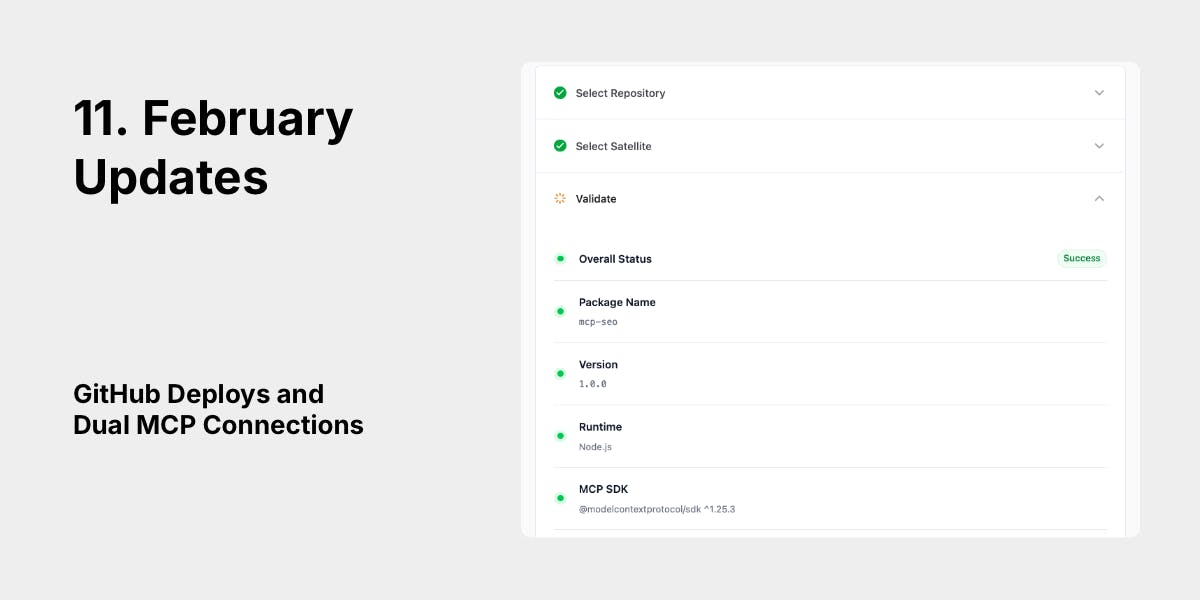
Deploy your own MCP servers straight from GitHub, and pick the connection method that fits your setup -- whether that's a full AI agent or a simple automation script.
Deploy from GitHub
You can now deploy MCP servers directly from your GitHub repositories. Point DeployStack at a repo, pick a branch, and you're running your own custom MCP server in minutes.
Here's what happens under the hood:
- GitHub App integration -- Connect your GitHub account once, and DeployStack can access your repositories. No long-lived tokens stored; authentication uses short-lived GitHub App installation tokens that expire after one hour.
- Validation before deploy -- DeployStack reads your package.json via the GitHub API (no cloning!) and checks for the MCP SDK dependency. If something's wrong, you get a clear error before anything is created.
- Pinned to a commit -- Every deployment tracks the exact commit SHA. You always know what version is running.
- Auto-deploy on push -- Set up a webhook so your MCP server updates automatically when you push to your target branch. No manual redeployment needed.
- Team-scoped -- Deployed servers belong to your team. Each team member gets their own isolated instance, managed independently.
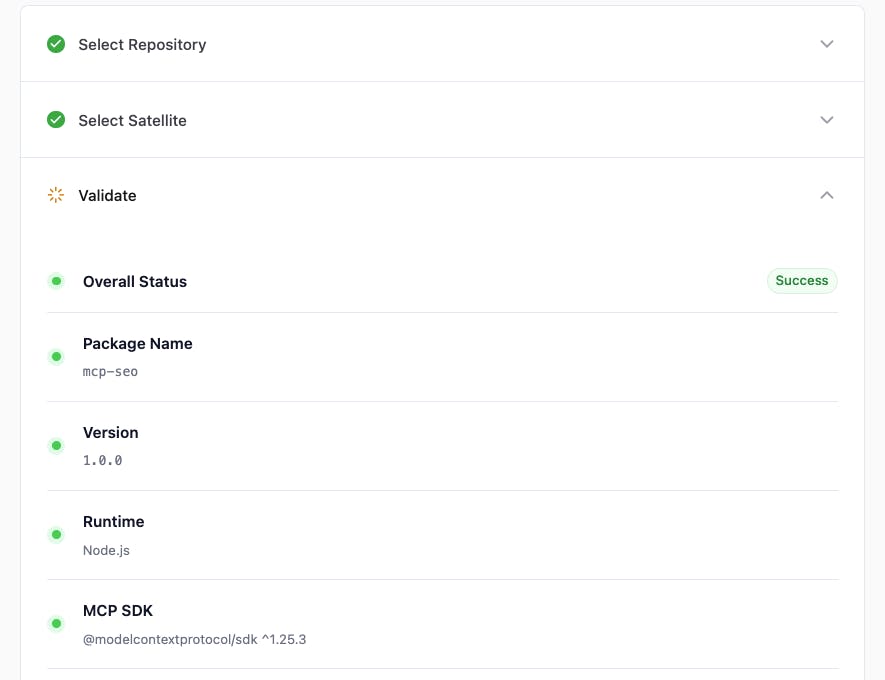
The satellite handles the heavy lifting: it downloads the code as a tarball, runs npm install, builds the project if needed, resolves the entry point from your package.json, and starts the process. When the process stops, it cleans up after itself.
Redeployment
Already deployed? Hit "Redeploy" to pull the latest commit from your branch. DeployStack fetches the new SHA, updates the server config, and tells the satellite to restart with the fresh code.
Two Ways to Connect
DeployStack now gives you two independent channels to reach your MCP servers. They run side by side on the same satellite and share the same tool execution engine, but they serve different use cases.
Hierarchical Router
URL: https://your-satellite.deploystack.io/mcp
Auth: OAuth2 (browser-based login)
This is the connection method for AI agents like Claude Desktop, Cursor, or VS Code. Instead of listing every tool from every server (which can eat 40-80% of your AI's context window), the hierarchical router exposes just two meta-tools:
- discover_mcp_tools -- Search across all your servers with natural language
- execute_mcp_tool -- Run a tool by its path
The result: less than 1% of context window used, no matter how many MCP servers you have installed. Your AI keeps 99% of its memory free for actual work.
The search is powered by Fuse.js with fuzzy matching. It takes 2-5ms even with 100+ tools indexed.
Direct MCP Endpoint
URL: https://your-satellite.deploystack.io/i/bold-penguin-42a3/mcp?token=ds_inst_abc123...
Auth: Token in URL (copy from dashboard)
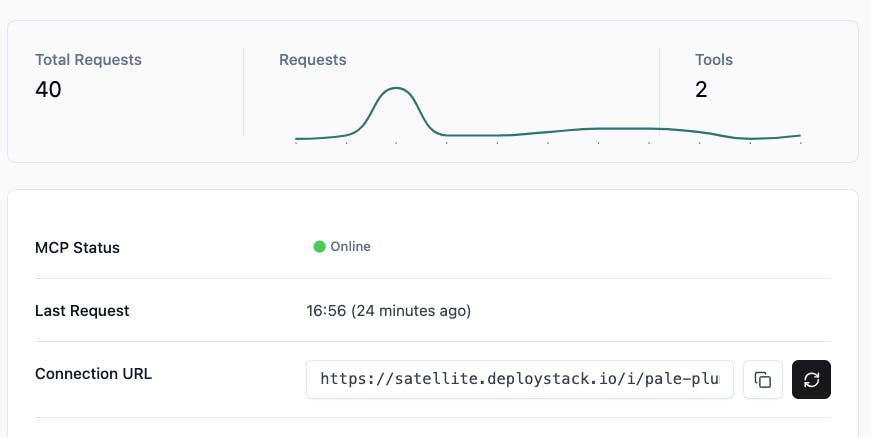
This is for everything that isn't an AI agent: automation scripts, CLI tools, n8n/Zapier/Make.com workflows, or any standard MCP client. You get a direct connection to one specific MCP server with all its tools listed right away.
No OAuth flow, no browser, no search step. Just paste the URL and token, and start calling tools.
Token validation happens locally on the satellite using SHA-256 hash comparison -- under 1ms, no network calls.
When to use which
- Claude Desktop, Cursor, VS Code -- Hierarchical Router
- Custom scripts, CLIs, workflow automation -- Direct MCP Endpoint
- Both at once -- Yes, they work independently
Security
Both the GitHub deployment flow and the dual connection channels follow the same security model:
- GitHub tokens are ephemeral (1-hour expiry, generated on demand)
- Instance tokens are hashed with SHA-256 (plain token never stored)
- Team isolation is enforced at every layer -- satellites only receive configs for their assigned installations
- All connections require HTTPS in production